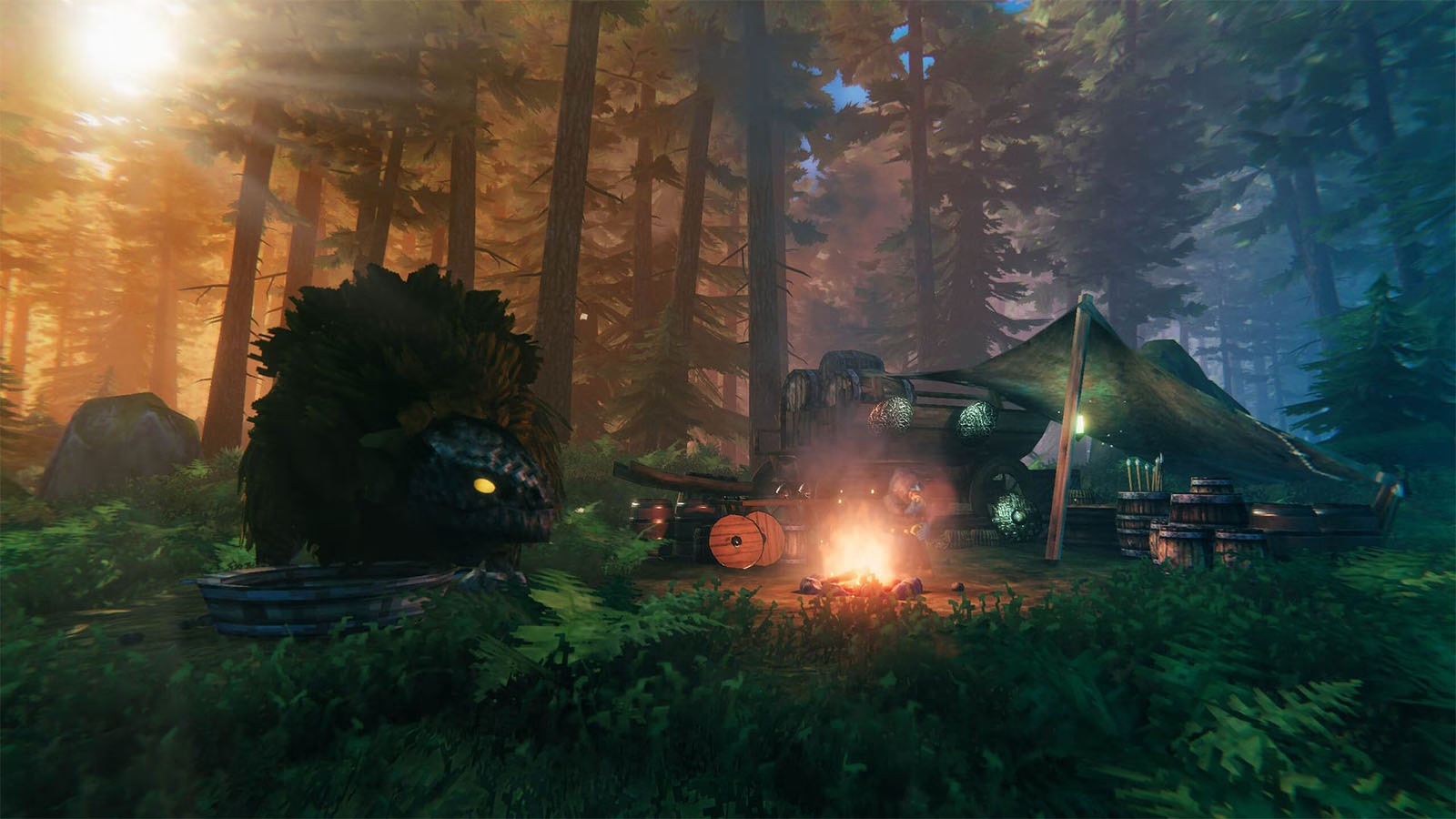
Valheim can be punishing. Between Draugr, trolls, Deathsquitos, and the grind for resources, sometimes you just want to make things easier or run experiments for fun. This guide gathers all the essentials plus the full detail from XPBooster’s updated cheat guide so you don’t miss a thing.
Fair-play note: Cheats only work in your own world. When you join someone else’s server, cheat mode is disabled and only the host’s normal admin commands work.
Index
How to Activate Cheats (Console)
- In your Steam Library, right‑click Valheim → Properties.
- Go to General → Launch Options and add:
-console.- Not using Steam? Create a shortcut to Valheim and append
-consoleat the end of the Target field.
- Not using Steam? Create a shortcut to Valheim and append
- Launch the game.
- Press F5 to open the console.
- Type
devcommandsto enable cheat mode. Type it again to disable.
Heads‑up: The old imacheater command has been replaced by devcommands.
Make a backup of your save before doing wild experiments.
Console Basics & Admin Access
- Hide UI: Press Ctrl + F3 to toggle the HUD for clean screenshots.
- Open console: Press F5.
- See built‑in help: Type
helpto print available commands.
Most Useful Cheats (Single Player)
(Enter commands without square brackets.)
god– Toggle God Mode (invincible).ghost– Enemies ignore you.debugmode– Enables creative/debug mode:- Z – Free flight for your character.
- K – Kill all enemies in the area.
- B – Free build mode: craft/build/repair anything.
spawn [Item] [Number] [Level]– Spawn items with optional level (item codes below).pos– Show your current coordinates.goto [x,z]– Teleport to specific coordinates.location– Set a spawn point.killall– Kill nearby enemies.exploremap– Reveal the entire map.resetmap– Re‑hide the map.freefly– Free camera flight (photo mode).ffsmooth 1– Smooth freefly enabled.ffsmooth 0– Reset freefly smoothing.removedrops– Remove all dropped items around you.skiptime [seconds]– Skip forward by the given seconds.sleep– Skip one in‑game day.tod 0– Set time to night.tod 1– Set time to day.tame– Tame all nearby tamable creatures.heal– Fully heal yourself.raiseskill [Skill] [Level]– Raise a skill (e.g.,raiseskill run 100).resetskill [Skill]– Reset the given skill to 0.resetcharacter– Reset your character data.beard [BeardName]– Switch beard type (e.g.,beard Beard3).model 0– Switch to male model.model 1– Switch to female model.save– Force a world save.wind [angle] [intensity]– Set wind (angle in 90° steps; intensity e.g., 0 = none, 1 = light).resetwind– Reset wind.env [Weather]– Set weather. Examples:Clear,Twilight_Clear,Heath Clear,Misty,DeepForestMist,LightRain,Rain,Thunderstorm,Swamprain,Bonemass,Snow,Twilight_Snow,SnowStorm,Twilight_SnowStorm,Ashrain,Crypt,GDKing,Eikthyr,Goblinking,Moder.resetenv– Reset weather.players [value]– Adjust difficulty scaling (0 resets to default).
Event Cheats (Trigger Raids/Incursions)
event [name]– Start an event.army_eikthyr– Boars and mermaids attack.army_theelder– Greydwarves attack.army_bonemass– Draugr and skeletons attack.army_moder– Dragons attack (frost damage).army_goblin– Goblins, Berserkers, and Shamans attack.army_gjall– Gjall and ticks attack.army_seekers– Seekers attack.army_charred– An army of the undead attacks.army_charredspawners– Spawns a Monument of Torment (does not despawn after the event).foresttrolls– Trolls attack.blobs– Slimelings attack.ghosts– Ghost army attacks.skeletons– Skeletons and Rancid Remains attack.surtlings– Surtlings attack.wolves– Wolves attack.bats– Bats attack.hildirboss [1-3]– Mini‑bosses plus followers attack.
stopevent– Stop the current event.randomevent– Start a random event.
Spawn Cheats (Items, Materials, Enemies)
Format: spawn [item] [quantity] [level]
Examples:
spawn Iron 30→ Spawn 30 Iron ingots.spawn SwordIron 1 3→ Spawn a level‑3 Iron Sword.
Spawning too many items or monsters can cause problems. If things get out of hand, use removedrops to clear nearby dropped items.
Spawn Categories & Codes
Ships & Carts
- Cart
- Raft
- Karve
- VikingShip
- Trailership
NPCs
- Haldor
The merchant appears. Caution: He cannot be removed.
Shields
- ShieldBanded
- ShieldBlackmetal
- ShieldBlackmetalTower
- ShieldBronzeBuckler
- ShieldIronSquare
- ShieldIronTower
- ShieldKnight
- ShieldSerpentscale
- ShieldSilver
- ShieldWood
- ShieldWoodTower
Weapons
- AtgeirBlackmetal
- AtgeirBronze
- AtgeirIron
- Battleaxe
- Bow
- BowDraugrFang
- BowFineWood
- BowHuntsman
- KnifeBlackMetal
- KnifeChitin
- KnifeCopper
- KnifeFlint
- MaceBronze
- MaceIron
- MaceNeedle
- MaceSilver
- SledgeIron
- SledgeStagbreaker
- SpearBronze
- SpearElderbark
- SpearFlint
- SpearWolfFang
- SwordBlackmetal
- SwordBronze
- SwordCheat (may cause issues)
- SwordIron
- SwordIronFire
- SwordSilver
- Club
Armor & Capes
- ArmorBronzeChest
- ArmorBronzeLegs
- ArmorIronChest
- ArmorIronLegs
- ArmorLeatherChest
- ArmorLeatherLegs
- ArmorPaddedCuirass
- ArmorPaddedGreaves
- ArmorRagsChest
- ArmorRagsLegs
- ArmorTrollLeatherChest
- ArmorTrollLeatherLegs
- ArmorWolfChest
- ArmorWolfLegs
- CapeDeerHide
- CapeLinen
- CapeLox
- CapeOdin (may cause issues)
- CapeTest
- CapeTrollHide
- CapeWolf
- HelmetBronze
- HelmetDrake
- HelmetDverger
- HelmetIron
- HelmetLeather
- HelmetOdin
- HelmetPadded
- HelmetTrollLeather
- HelmetYule
Tools
- AxeBronze
- AxeFlint
- AxeIron
- AxeStone
- AxeBlackMetal
- PickaxeAntler
- PickaxeBronze
- PickaxeIron
- PickaxeStone
- Cultivator
- FishingRod
- Hammer
- Hoe
- SpearChitin (Harpoon)
Items & Materials
- Amber
- AmberPearl
- AncientSeed
- Barley
- BarleyFlour
- BarleyWine
- BarleyWineBase
- BeechSeeds
- Bloodbag
- BronzeNails
- BoneFragments
- CarrotSeeds
- Chitin
- Coal
- Coins
- CryptKey
- Crystal
- Dandelion
- DeerHide
- DragonEgg
- DragonTear
- ElderBark
- Entrails
- Feathers
- FineWood
- FirCone
- FishingBait
- FishRaw
- Flax
- Flint
- FreezeGland
- GreydwarfEye
- Guck
- HardAntler
- IronNails
- LeatherScraps
- LinenThread
- LoxMeat
- LoxPelt
- Needle
- Obsidian
- Ooze
- PineCone
- QueenBee
- Ruby
- SerpentScale
- SharpeningStone
- SilverNecklace
- Stone
- SurtlingCore
- Thistle
- TrollHide
- TurnipSeeds
- WitheredBone
- WolfFang
- WolfPelt
- Wood
- YmirRemains
- NeckTail
- RawMeat
- Resin
- RoundLog
- SerpentMeat
- YagluthDrop
Metals & Ores
- BlackMetal
- BlackMetalScrap
- Bronze
- Copper
- CopperOre
- Flametal
- FlametalOre
- Iron
- IronOre
- IronScrap
- Silver
- SilverOre
- Tin
- TinOre
Food
- Bread
- BloodPudding
- Blueberries
- Carrot
- CarrotSoup
- Cloudberry
- CookedLoxMeat
- CookedMeat
- FishCooked
- FishWraps
- Honey
- LoxPie
- Mushroom
- MushroomBlue
- MushroomYellow
- NeckTailGrilled
- Raspberry
- QueensJam
- Sausages
- SerpentMeatCooked
- SerpentStew
- Turnip
- TurnipStew
Enemy Spawns
- Blob
- Boar
- Boar_piggy
- Crow
- Deathsquito
- Deer
- Draugr
- Fenring
- Ghost
- Goblin
- GoblinArcher
- GoblinBrute
- GoblinShaman
- Greydwarf
- Greydwarf_Shaman
- Leech
- Lox
- Neck
- Serpent
- Skeleton
- Surtling
- Troll
- Valkyrie
- Wolf
- Wraith
Admin Commands (Servers)
help– Show all available commands.kick [name/ip/userID]– Kick a user.ban [name/ip/userID]– Ban a user.unban [ip/userID]– Unban a user.banned– Show list of banned users.ping– Ping the server to check latency.lodbias [number]– Set level of detail (default 1.5).info– Print system information as a PDF.
Spawning too many entities can cause issues, use removedrops to clean up if needed.